Regenerate authentication token
If your token is lost or compromised, generate a new one
On desktop (macOS, Windows, or on Wire for web)
In the app:
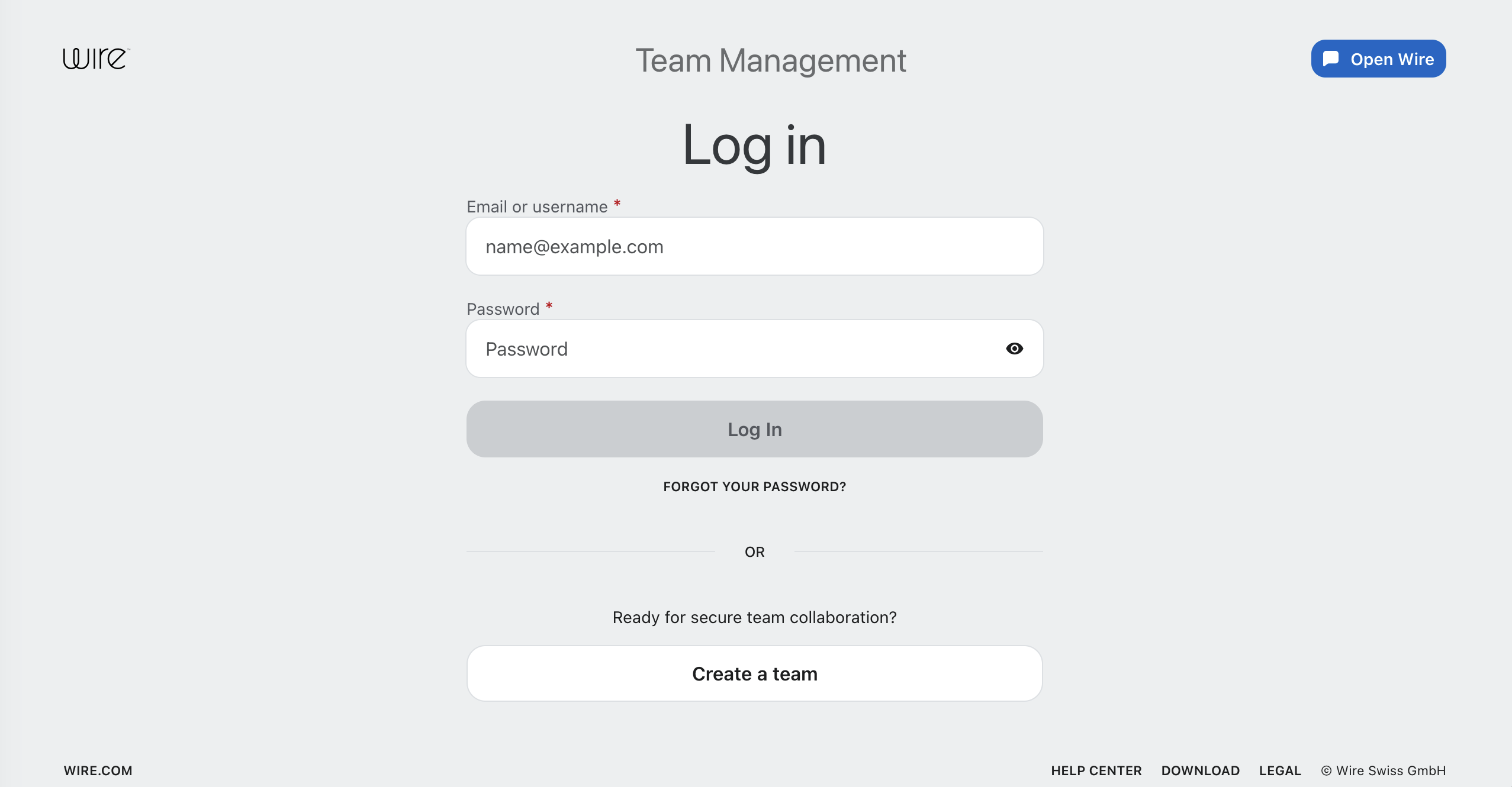
- Select Settings, then select Manage team or go to teams.wire.com.
- Log in with your account credentials:
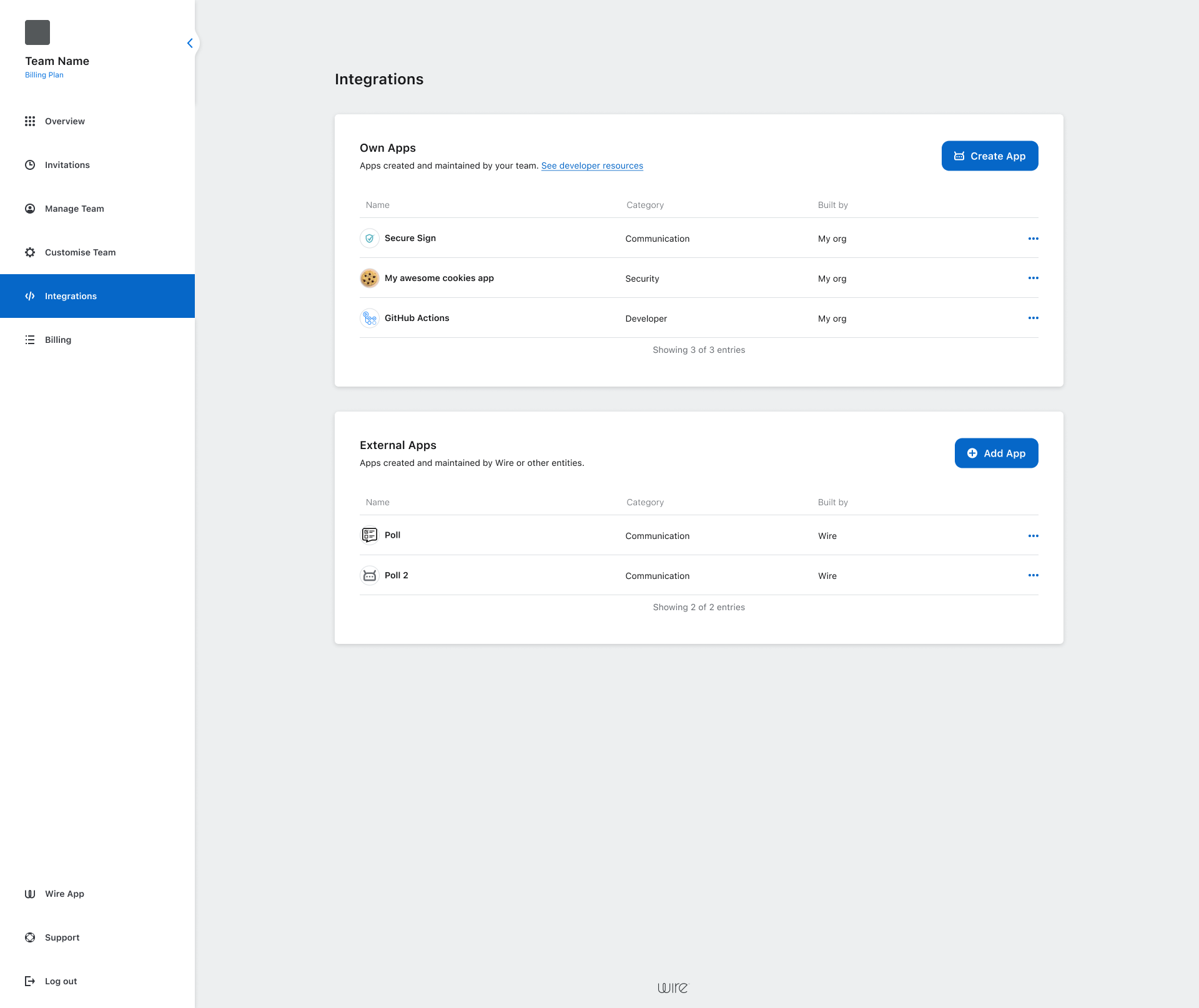
- Select Integrations.
- Select the three dots (•••) next to app name.
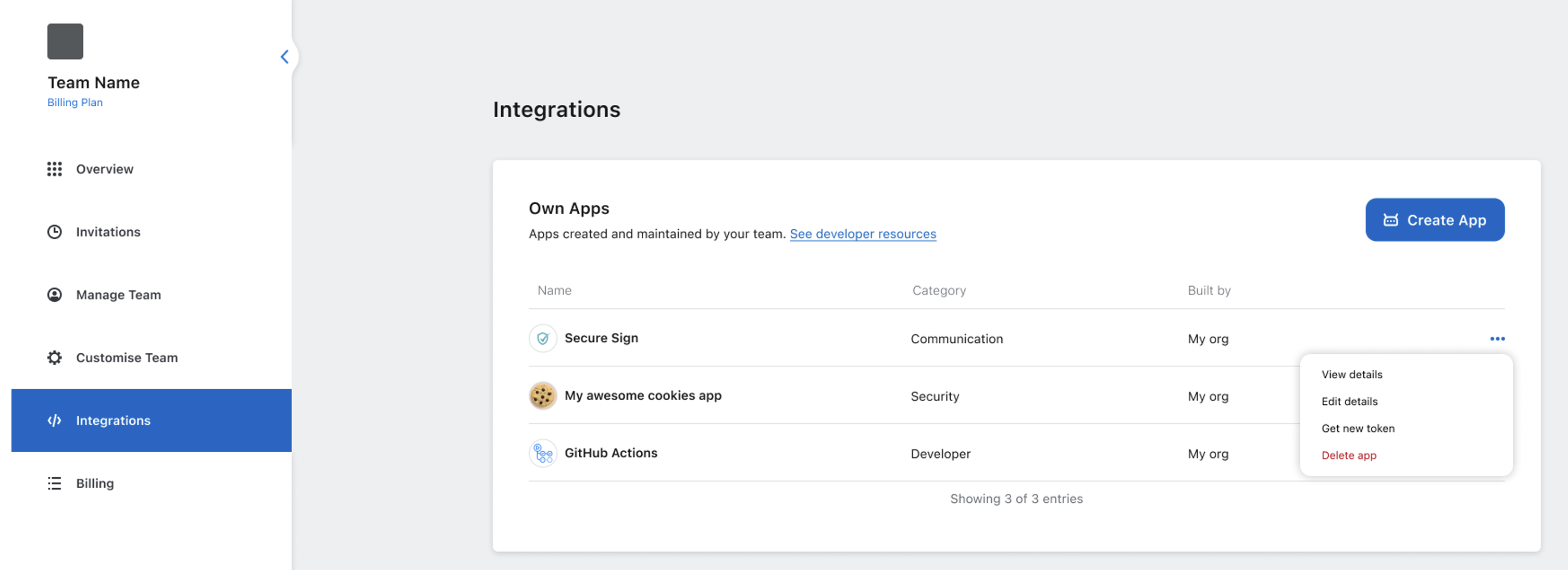
- Select Get new token.
warning
Regenerating the token immediately invalidates the old one.
Your app won’t be able to connect until it uses the new token.
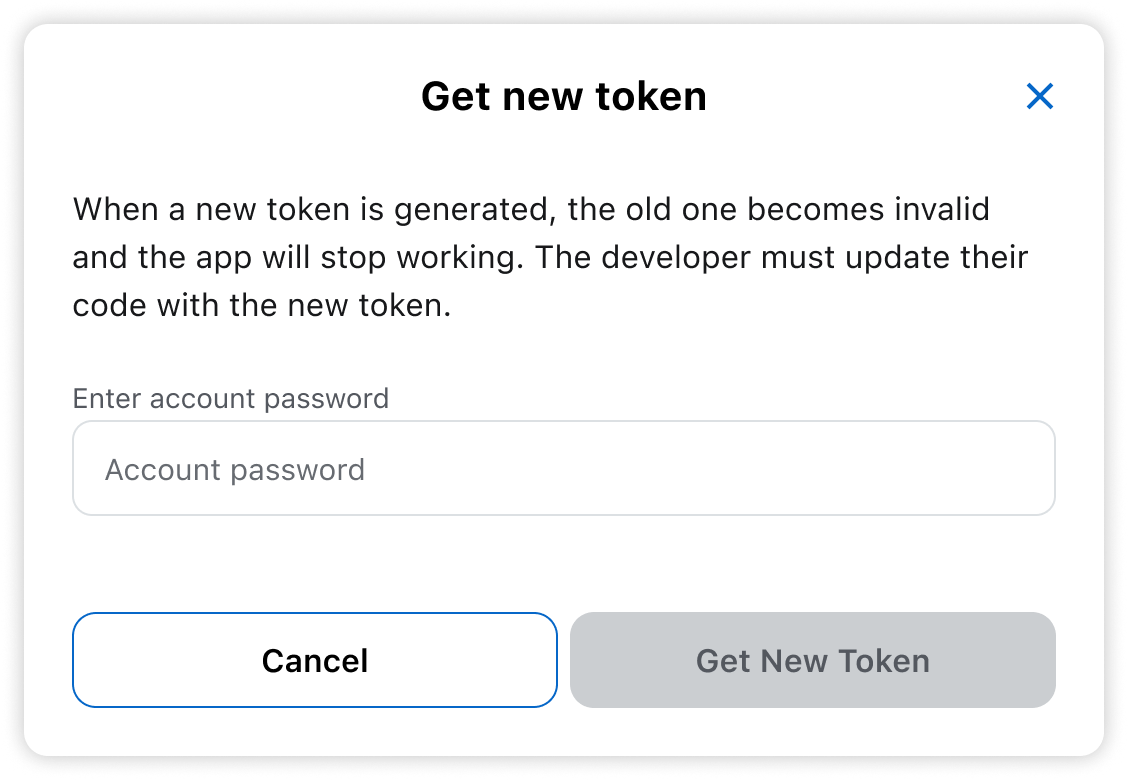
- Enter your password.
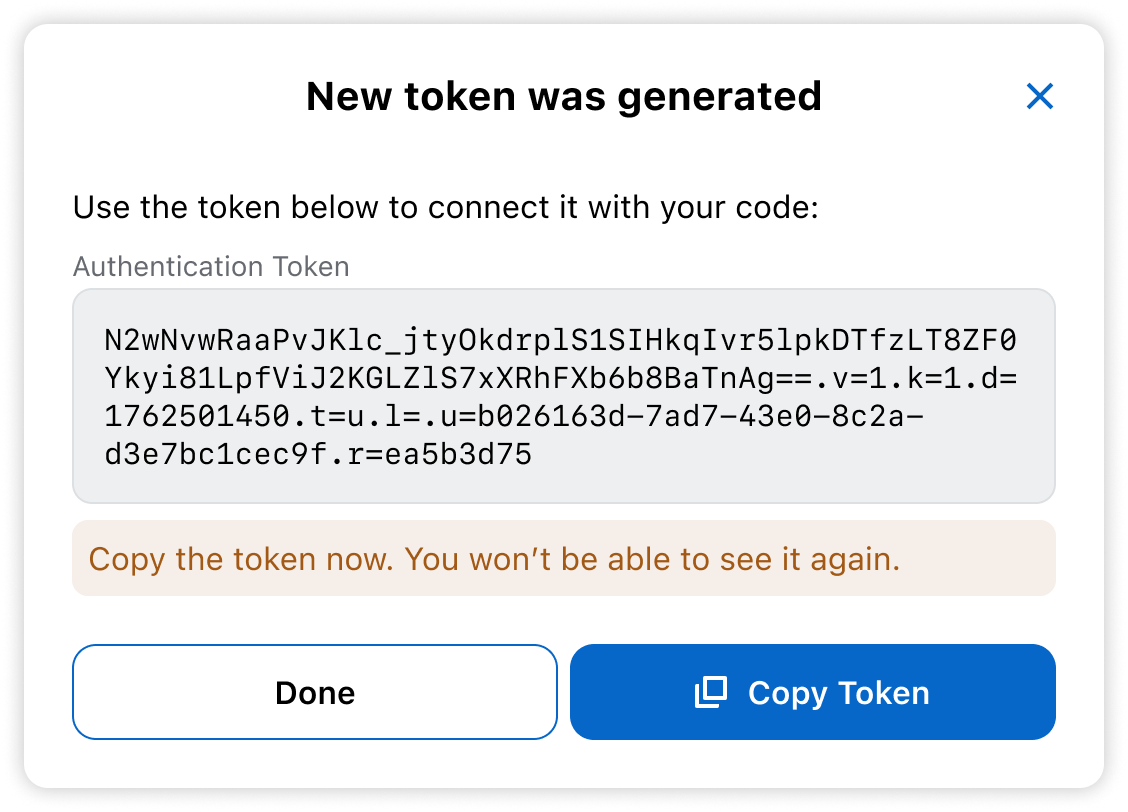
- Copy the new token. Keep it secure.
After generating a new token:
- Update your app’s
APP_TOKENenvironmental variable. - Restart or redeploy all instances of your app.