Add external App
You want to add an App built with the Wire SDK to your team
info
Apps are available on paid plans.
Upgrade to unlock integrations that simplify workflows and connect Wire to your existing tools.
See plans and pricing.
If you're on a paid plan and want to enable Apps, reach out to our sales team or
raise a support ticket with your Team ID, and we'll help you migrate.
The App ID is required for the following steps.
On desktop (macOS, Windows, or on Wire for web)
In the app:
- Select Settings, then select Manage team or go to teams.wire.com.
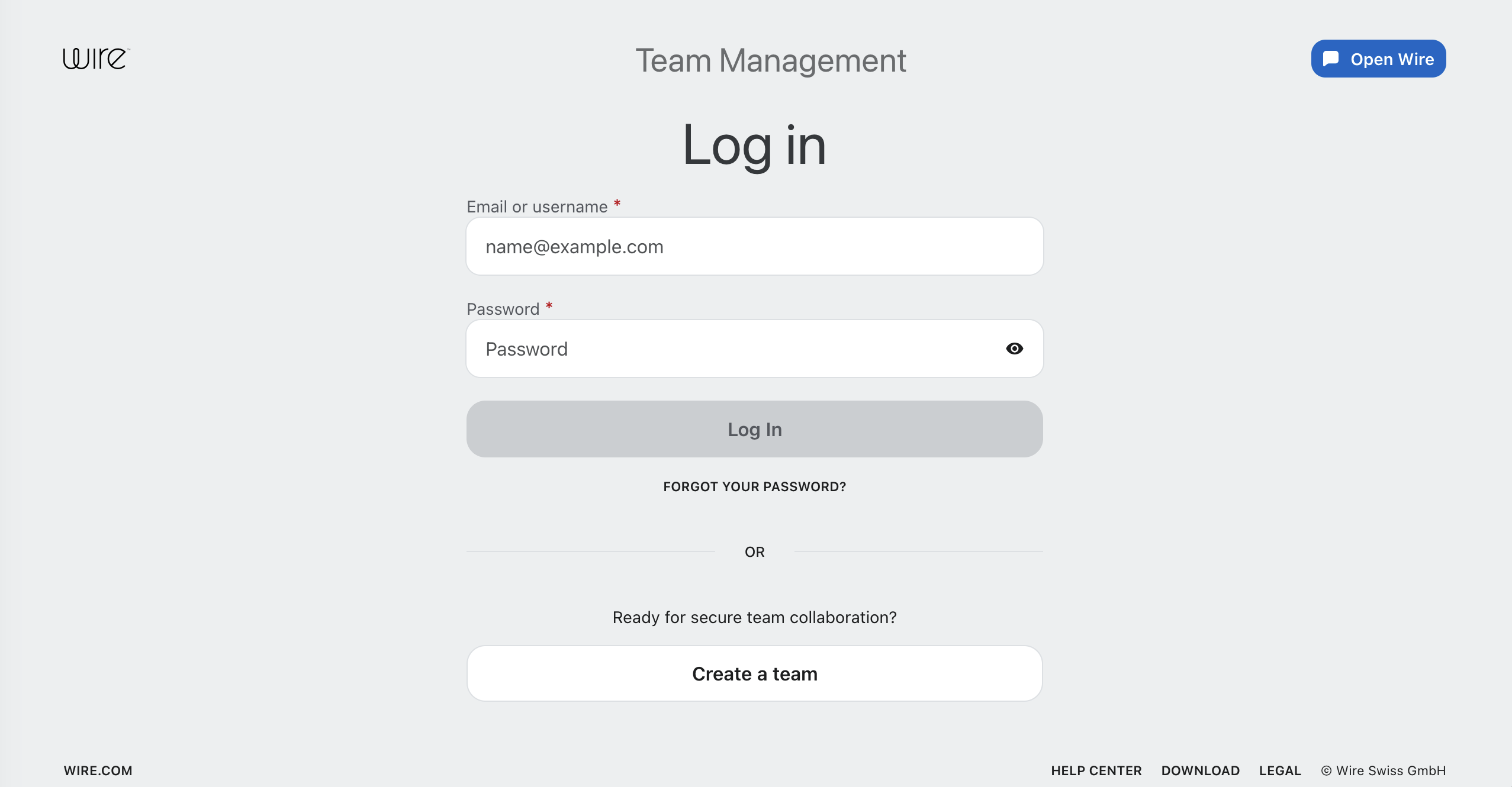
- Log in with your account credentials:
- Select Integrations.
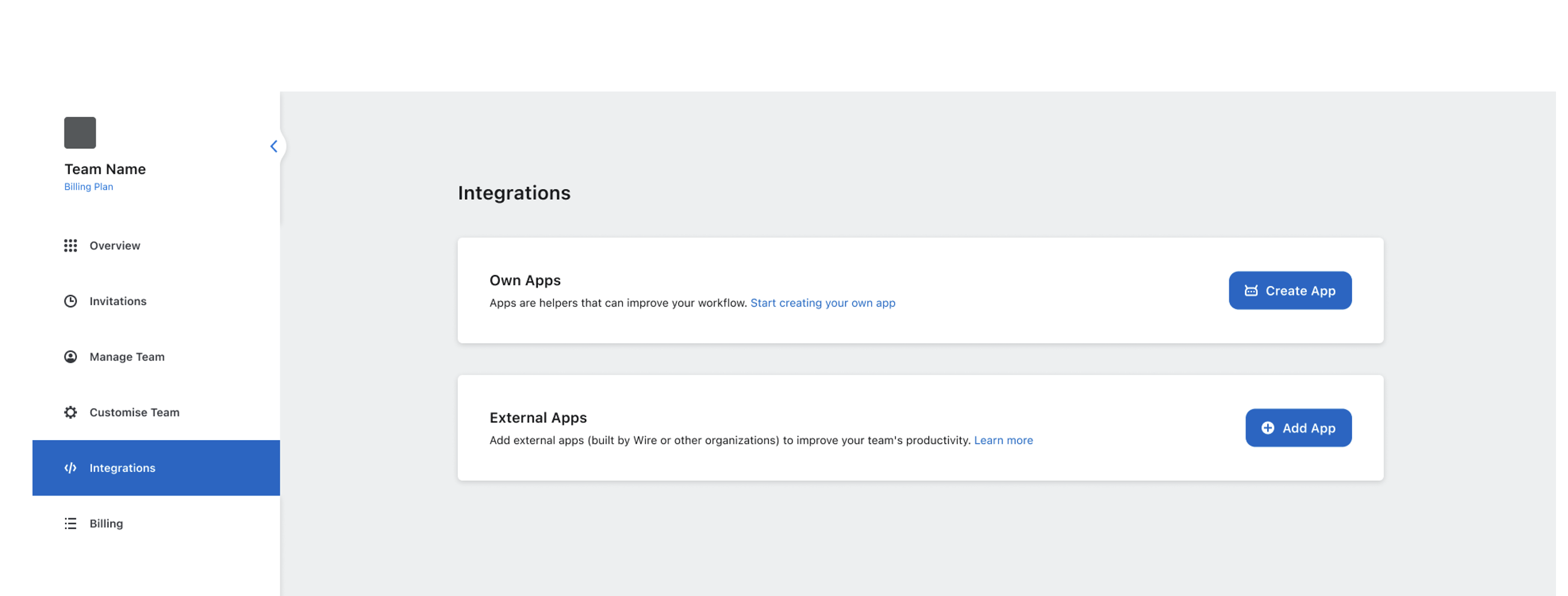
- Select Add App.
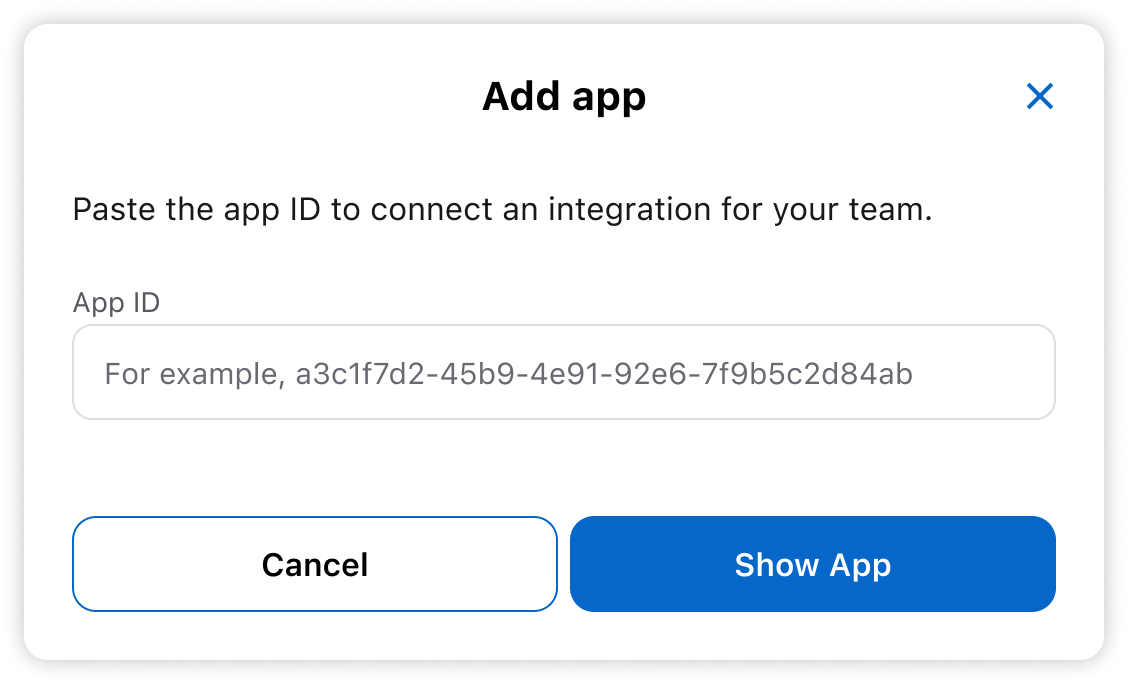
- Enter the app ID.
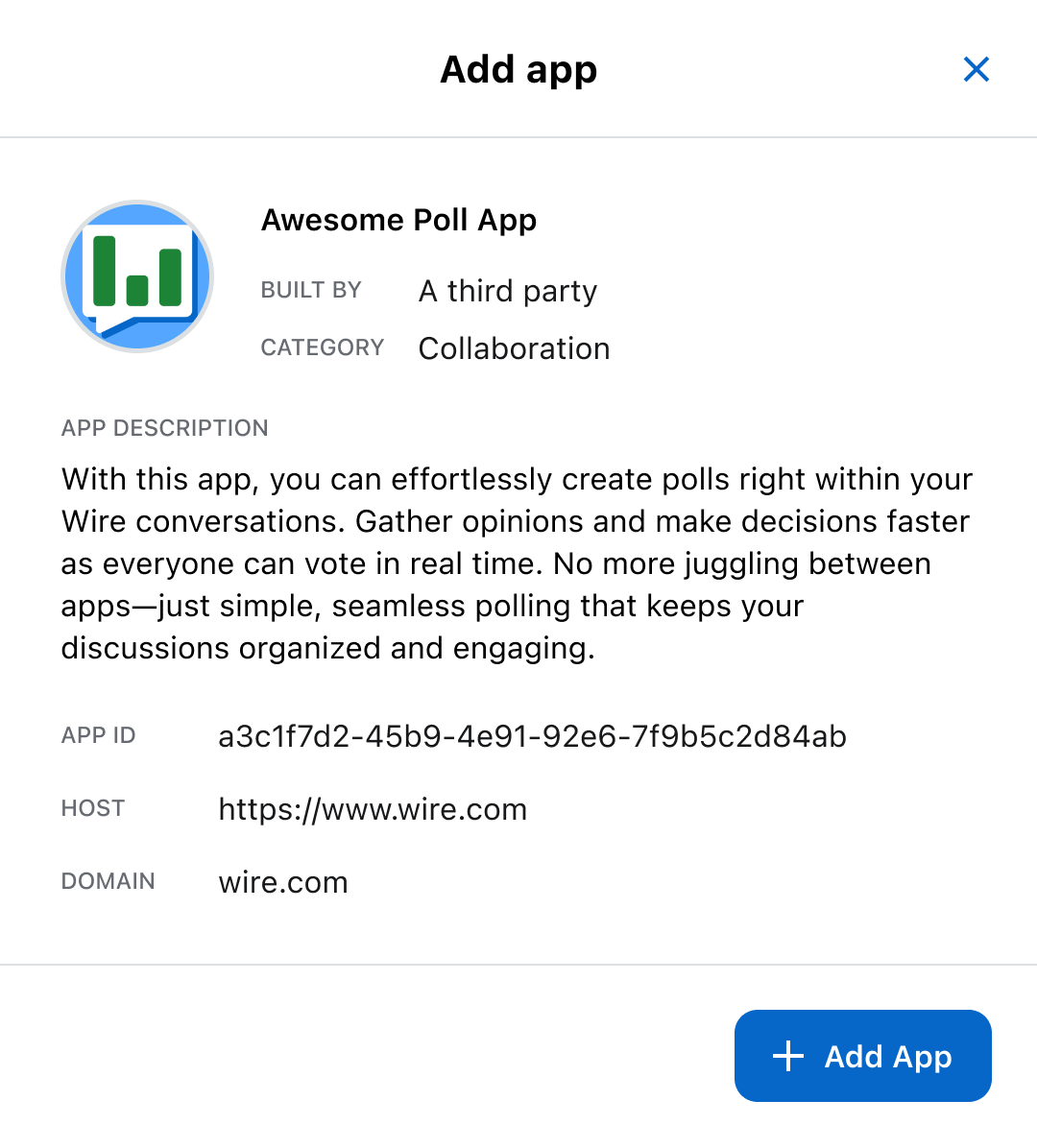
- Review the app details.
tip
Only add apps from trusted sources.