Edit App
You can update your app’s logo, name, category, or description
On desktop (macOS, Windows, or on Wire for web)
In the app:
- Select Settings, then select Manage team or go to teams.wire.com.
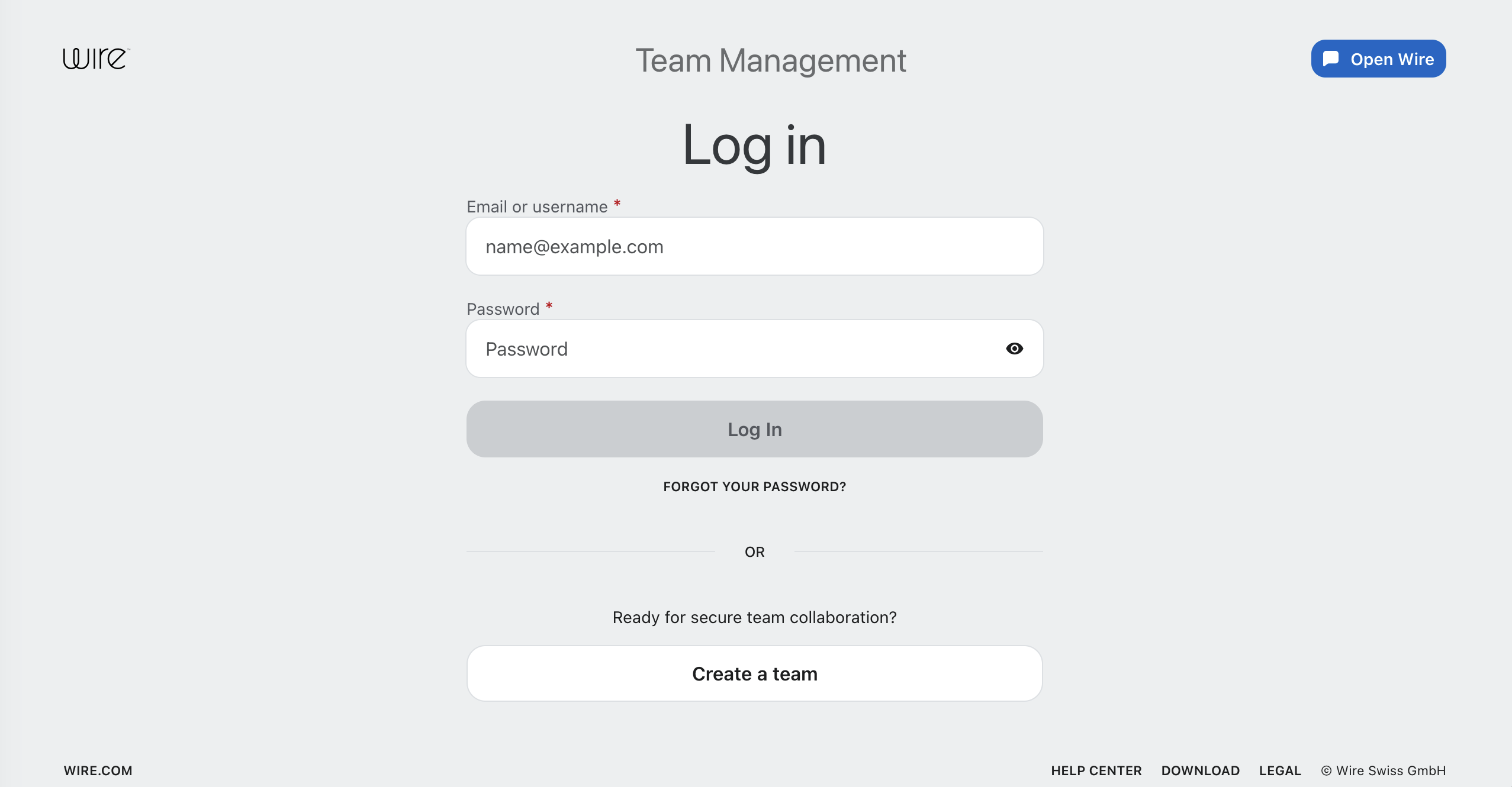
- Log in with your account credentials:
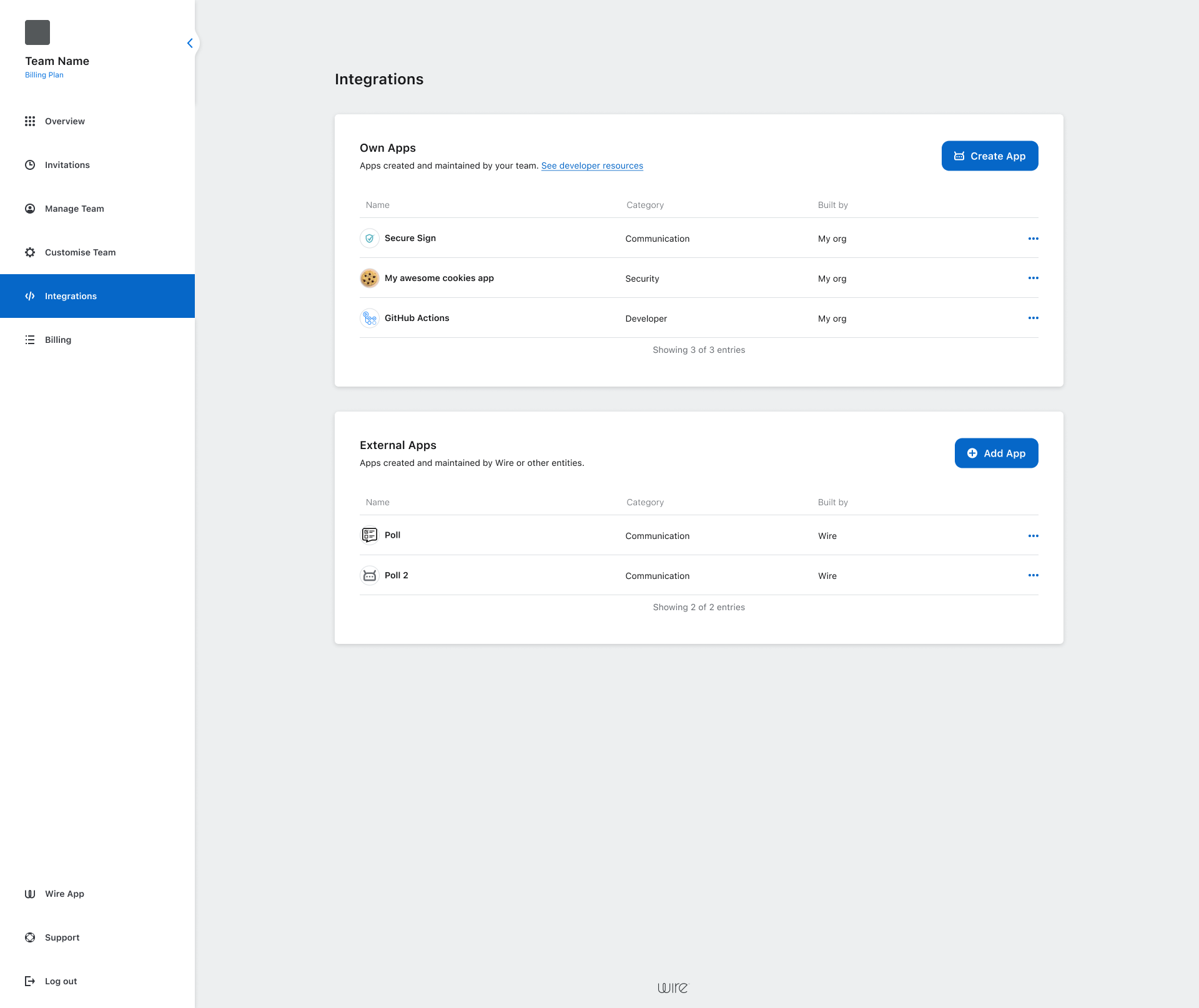
- Select Integrations.
- Select the three dots (•••) next to app name.
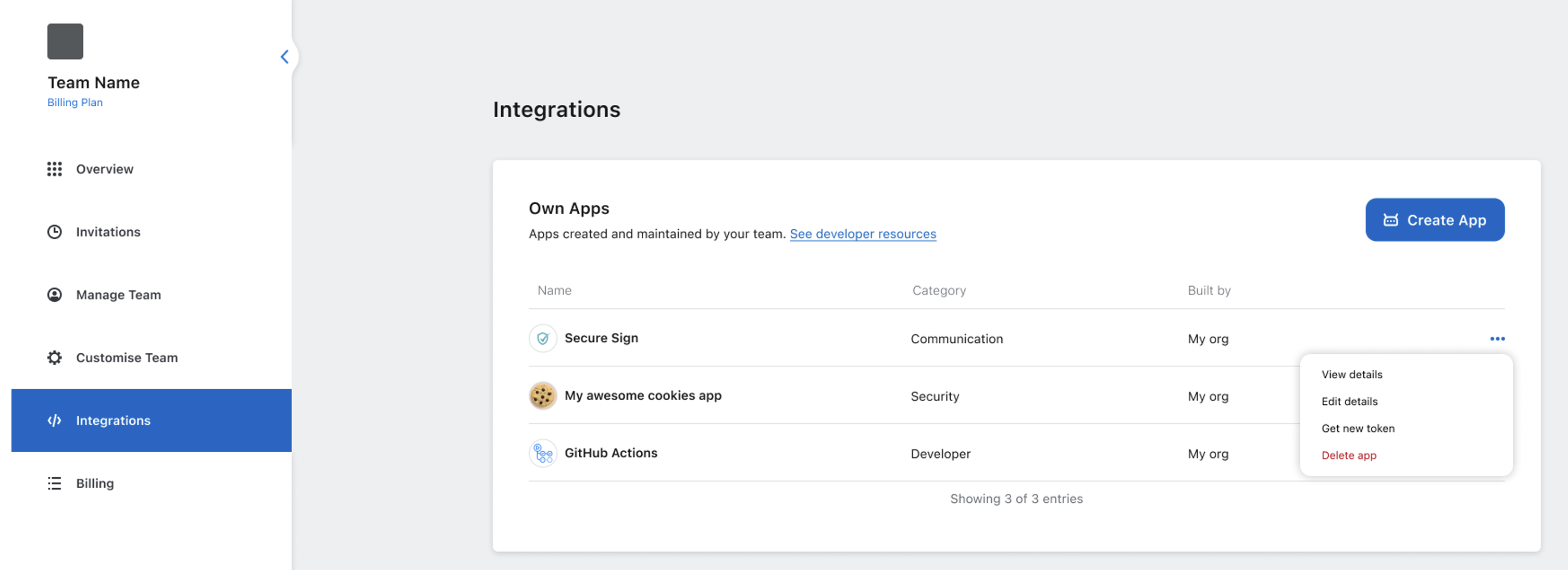
- Choose Edit details.
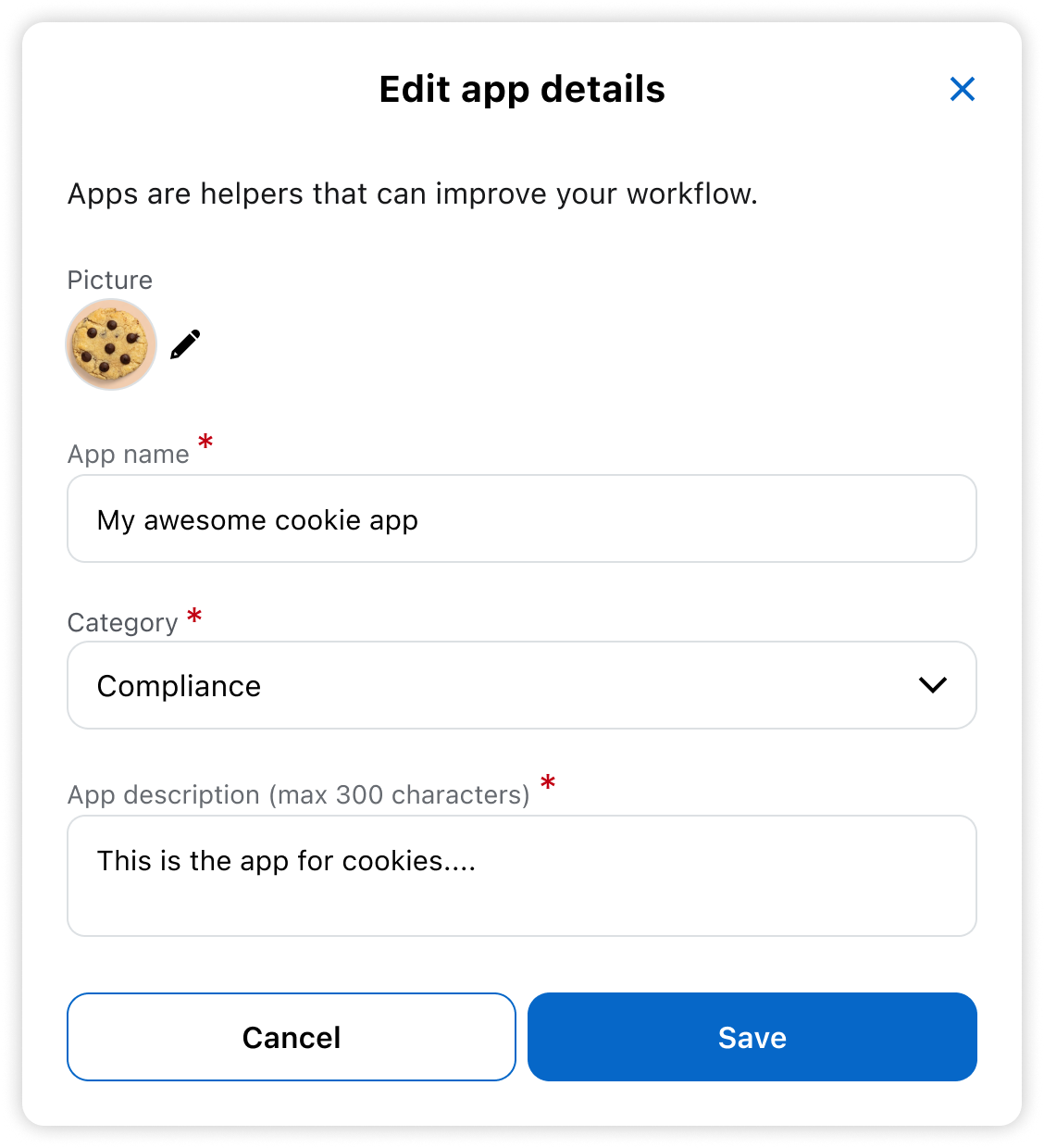
- Update the fields as needed, then select Save.
About authentication token editing
You cannot edit or retrieve the authentication token because it’s securely generated for your app. If you need a new token, regenerate it.