Create App
Create an app and get credentials for your integration
Team requirements
- Wire On-Premise
- Wire Cloud
- MLS is the default protocol → raise a support ticket
- Apps feature flag is enabled →
- via backoffice
https://backoffice.<ENVIRONMENT>.ops.wire.link/swagger-ui/index.html#/default/put-route-apps-config
- or by making curl request on Galley pod:
curl -X 'PUT' \'http://localhost:9085/i/teams/<team-id>/features/apps' \-H 'accept: application/json;charset=utf-8' \-H 'Content-Type: application/json;charset=utf-8' \-d '{"status": "enabled","ttl": "unlimited"}'
- via backoffice
- Creating apps feature is enabled in Team Management → set
FEATURE_ENABLE_APP_CREATIONvariable to true in values.yaml file in Team Settings and redeploy it.
- Team is on paid plan → see plans and pricing
- MLS is the default protocol and apps feature flag is enabled → raise a support ticket
On desktop (macOS, Windows, or on Wire for web)
In the app as team owner or admin:
- Select Settings, then select Manage team or go to teams.wire.com.
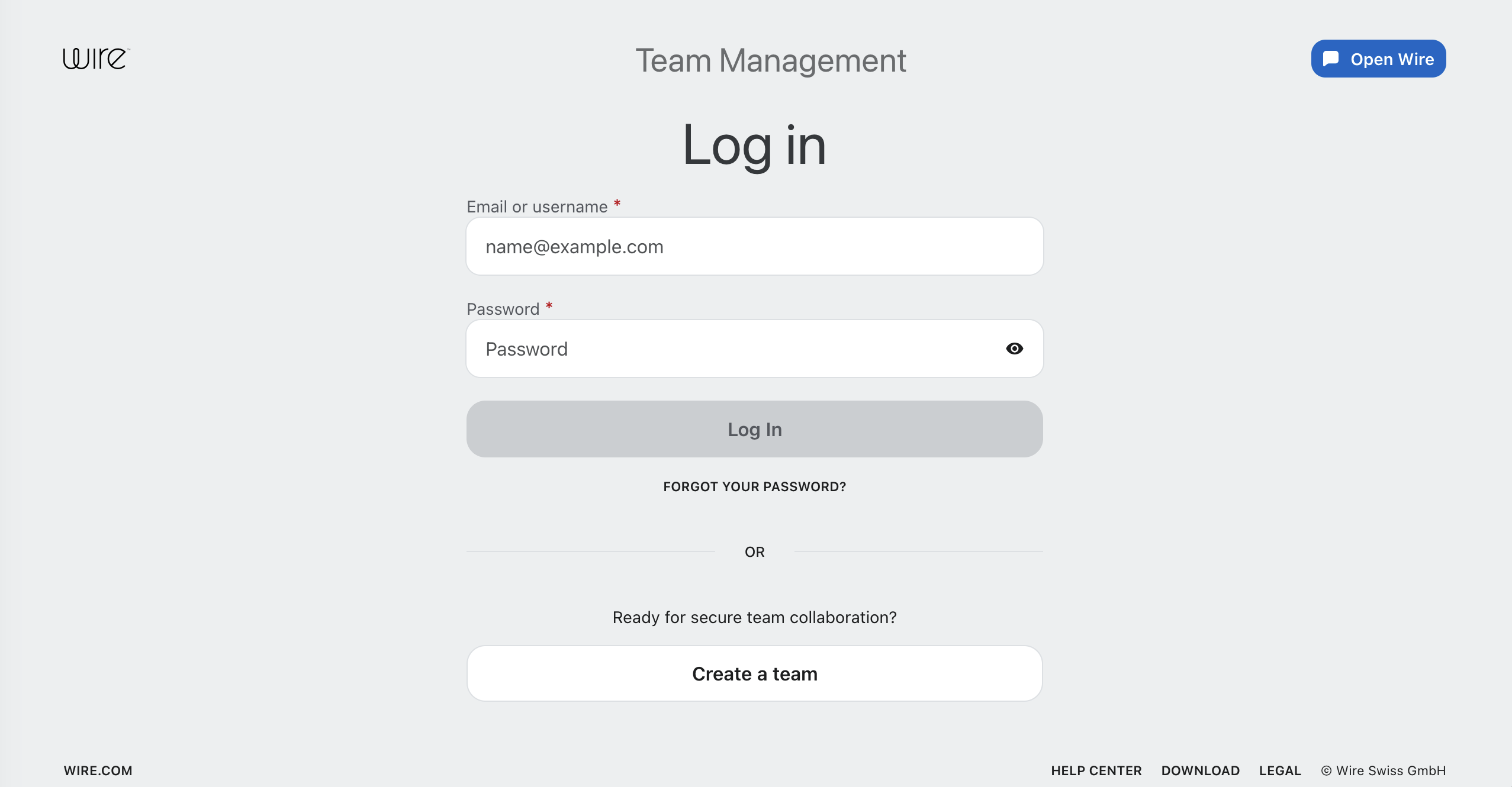
- Log in with your account credentials:
- Select Integrations.
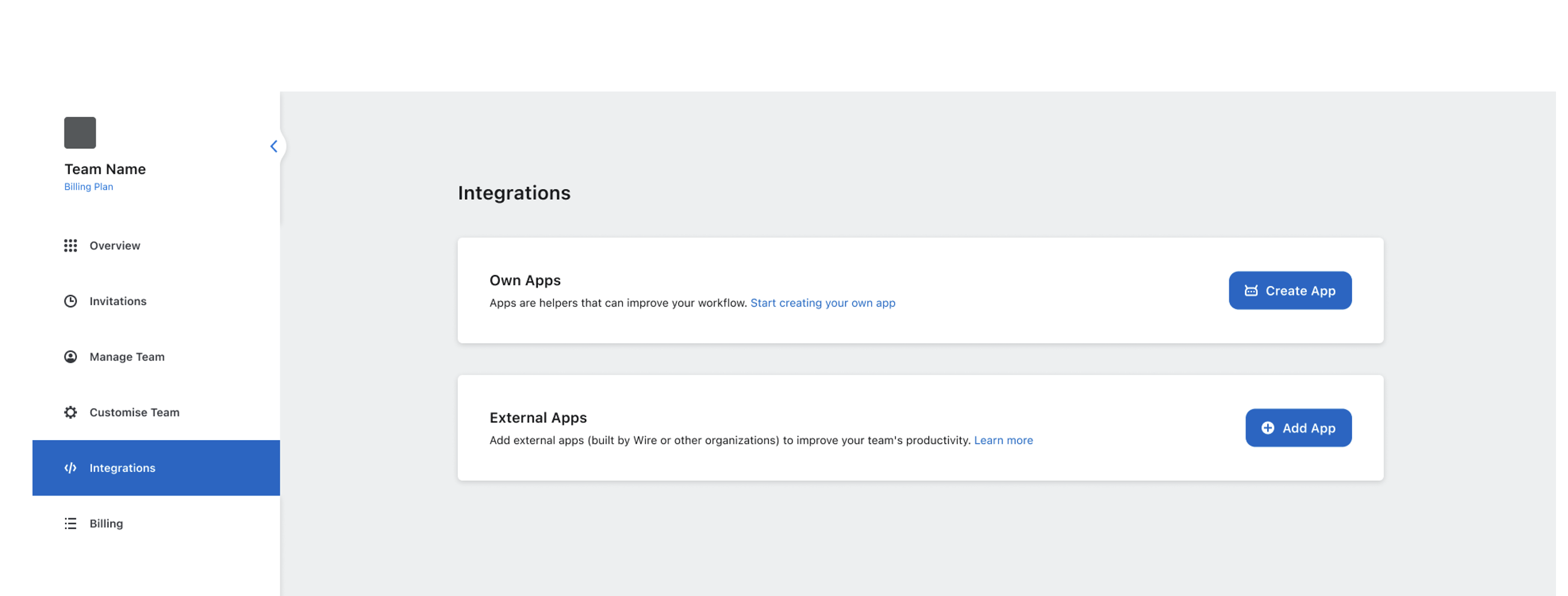
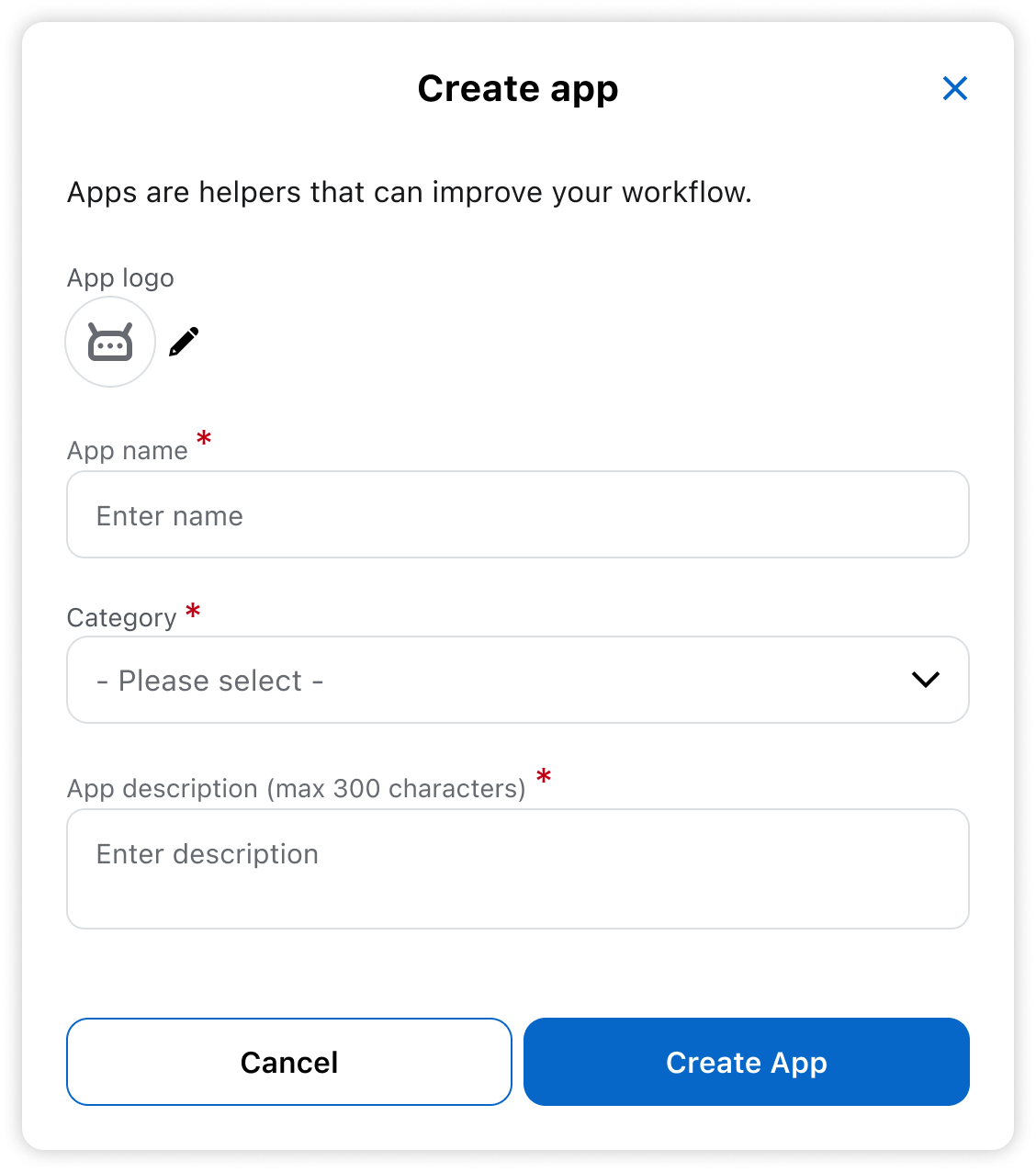
- Select Create App.
 |  |
|---|
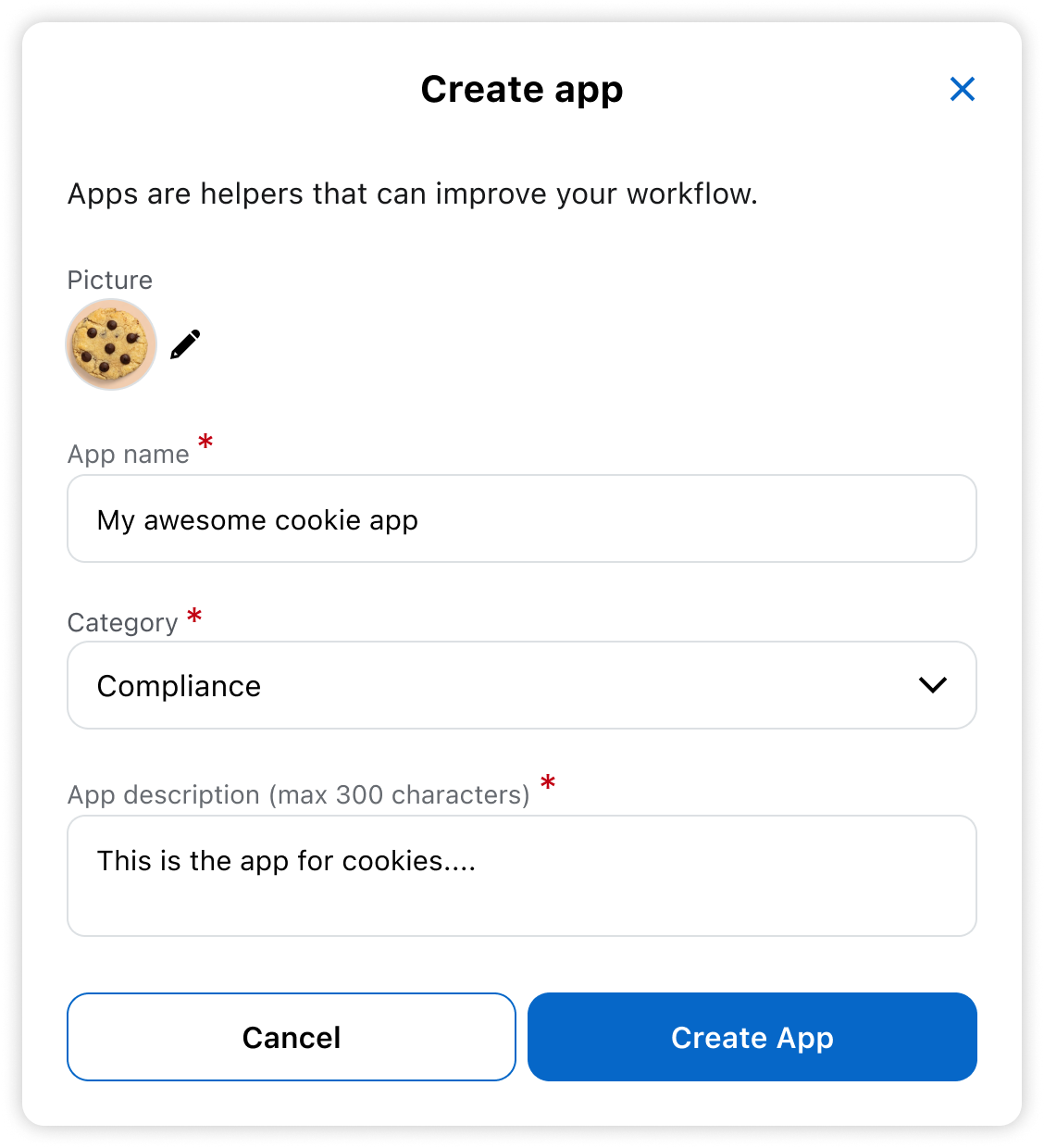
- Add your App details.
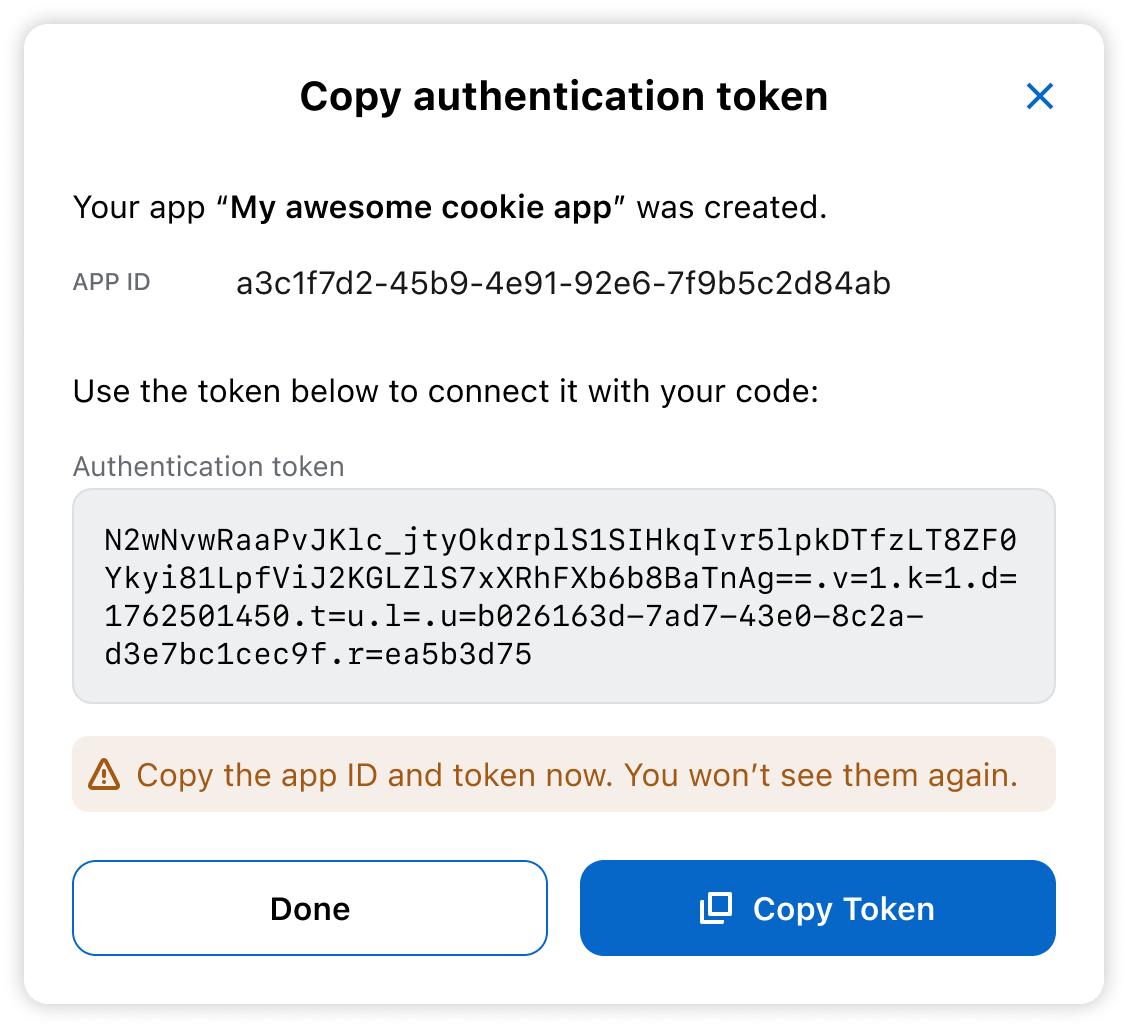
- You’ll see the token once. Save it now.
You won’t be able to view it again.
Both ID and token are required when constructing an SDK instance.
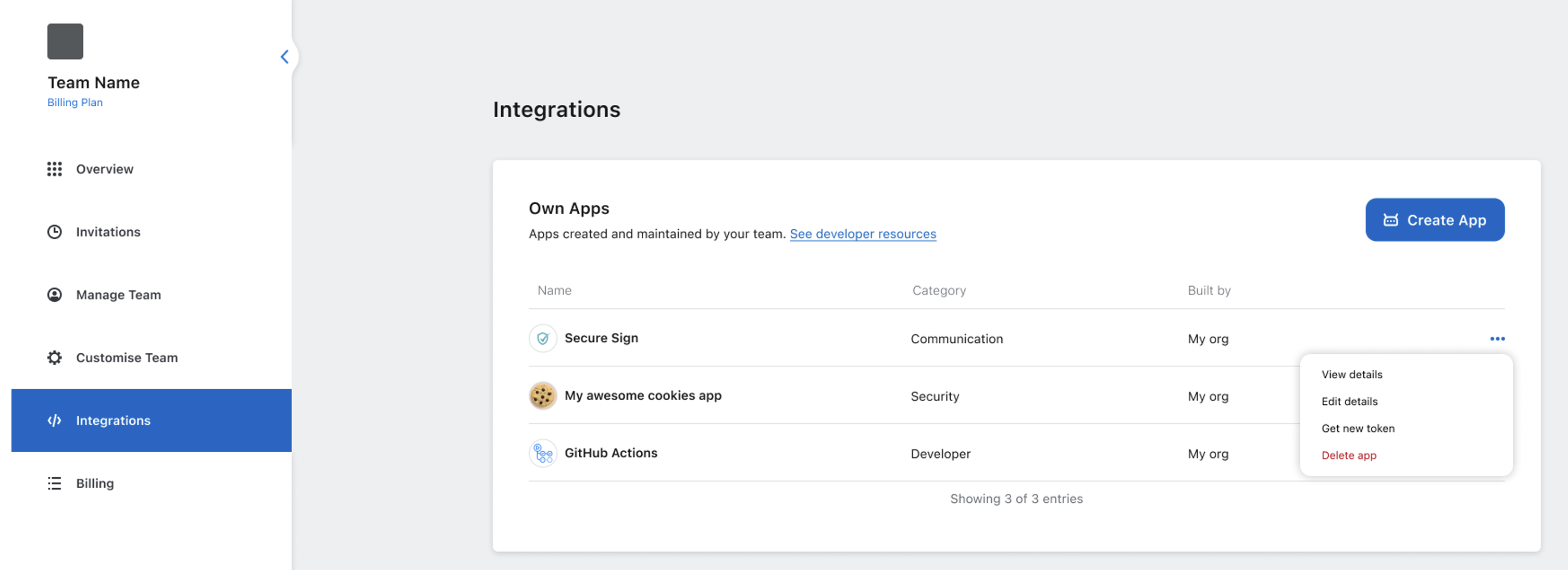
- After the app is created, you’ll return to the Integrations tab.
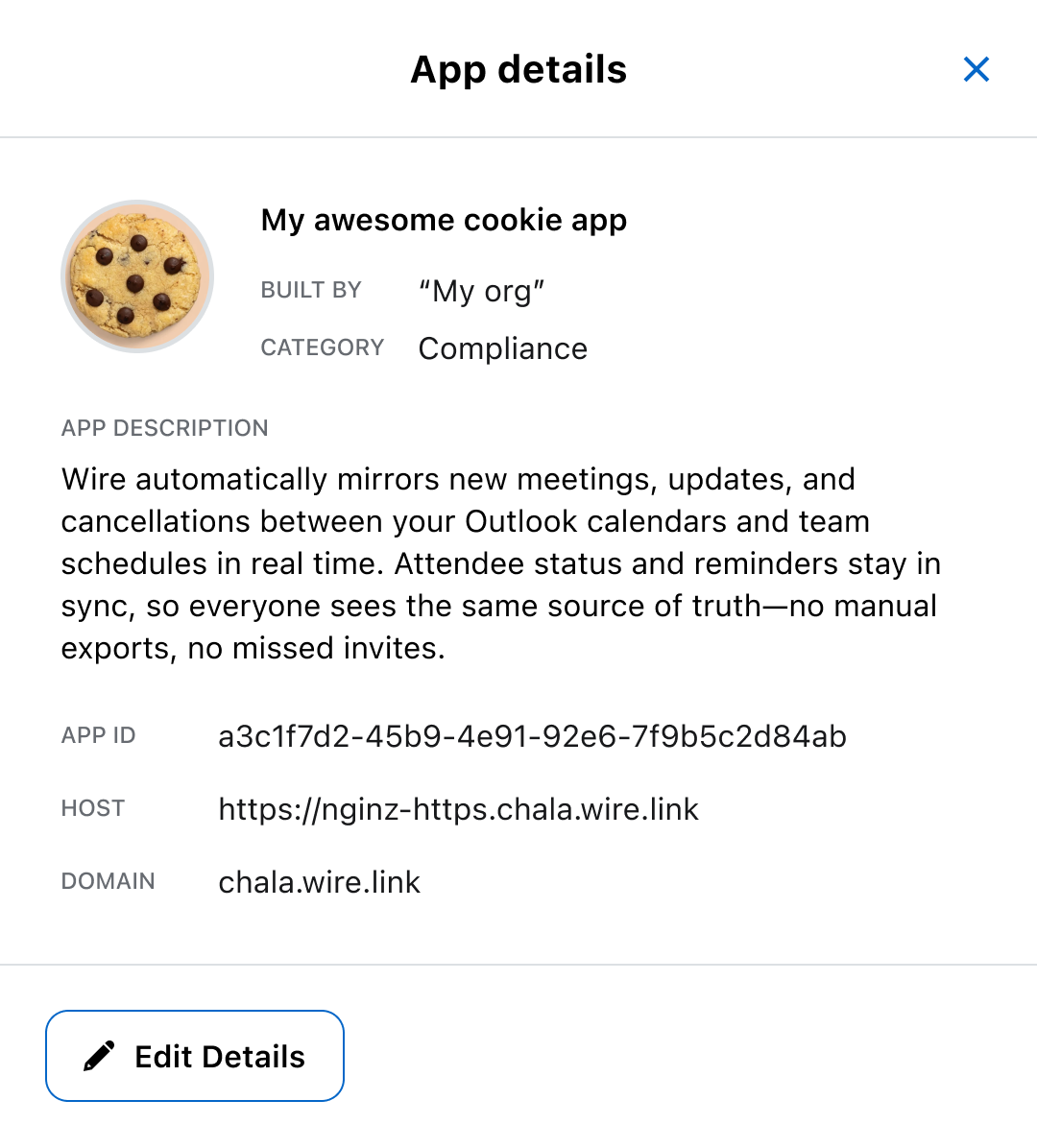
Select the three dots next to your app, then choose View details to find the rest of your credentials: App ID, host, and domain.
What’s next
Now that you have the credentials, you’re ready to connect your app. You can find the Quickstart for the SDKs on JVM or Typescript to include the SDK in your project and continue setup.